Matrix Wave Canvas FX
Matrix Code Wave is a fully animated, customizable Matrix-style code wave built with HTML, CSS, and JavaScript. It combines smooth motion, wave distortion, and scattering effects, plus a real-time control panel so users can tweak the animation while it runs.
Matrix Code
Timeline
Core Prototype
initial build of Matrix Code
Built the foundation: canvas rendering, Matrix-style character streams, basic motion behavior and a clean layout optimized for hero/landing usage.
2026
Wave Distortion & Scatter
visual effects layer for Matrix code
Added dynamic wave bending and scattering behavior to create the “AlphaWave” signature look while preserving smooth performance and authentic Matrix aesthetics.
2026
Live Controls & Performance Polish
UX + optimization inside Matrix code
Implemented real-time control panel (cycles, bend strength, density, speed, FPS limiter, streams multiplier and scatter controls), along with responsive mobile adaptation and UI refinements.
2026
Overview
Matrix Code – AlphaWave is a creative coding project that turns the classic “digital rain” idea into a modern, interactive wave animation. It’s designed to look premium (neon glow + blur UI) while staying lightweight and fast.
The goal was to build something that can be used as a hero background, landing page visual, or a standalone showcase — with controls that make it easy to tune the vibe instantly.
How it works
The animation is rendered on an HTML Canvas as flowing character streams. A wave distortion function bends the motion and a scatter/dispersion layer pushes fragments to the side to create the AlphaWave signature look.
A live “Wave Controls” panel updates the parameters in real time (speed, density, cycles, bend strength, FPS limiter, etc.), allowing the effect to be tuned for different devices and design styles.
Key features
• Matrix-style flowing character streams
• Dynamic wave distortion + scatter/dispersion effects
• Real-time control panel (start Y, wave cycles, bend strength, density, speed, FPS limiter, streams multiplier, scatter controls)
• High-performance canvas rendering + responsive UI with mobile auto-hide panel
The UI is intentionally clean and modern (blur panels, neon glow, minimal layout), so the visual stays the main focus while still feeling interactive and “product-like”.
Vision
The long-term idea is to keep AlphaWave as a reusable “visual module” — something you can drop into future web projects as a hero effect, section background, or interactive ambient animation.
Potential next steps: presets (calm/fast/cinematic), theme switching, exportable settings (share a config), and additional distortion modes — while keeping everything smooth and performance-friendly.
Matrix gallery
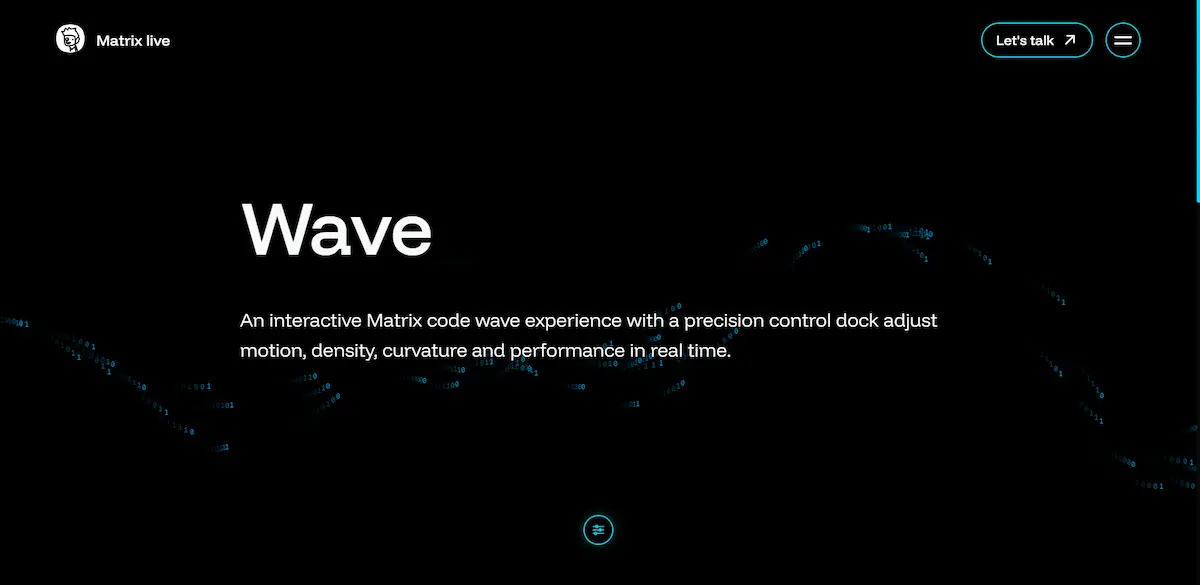
The Matrix visual system explores a dynamic digital environment built with real-time rendering and procedural motion. Instead of static imagery, the scene generates flowing streams of animated code particles that form a responsive three-dimensional wave.
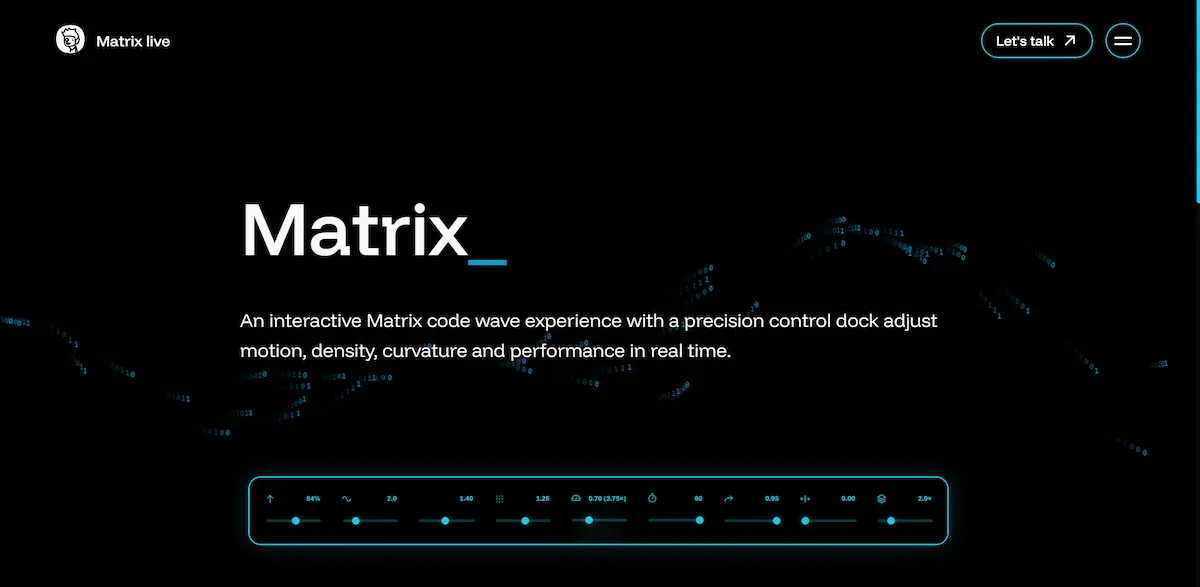
The project focuses on combining visual clarity, smooth performance, and interactive control, allowing parameters such as motion intensity, particle density, and curvature to influence the visual structure in real time.
Wave field
The Matrix Wave introduces a dynamic field of animated code particles flowing through a controlled three-dimensional space. Binary elements form a responsive wave structure influenced by curvature, density, and motion parameters, creating a living digital signal environment.
Matrix control
The control layer expands the wave into an interactive system where motion behavior, amplitude, density, and rendering stability can be adjusted in real time. This layer ensures smooth animation while allowing visual experimentation across devices.
Control tool
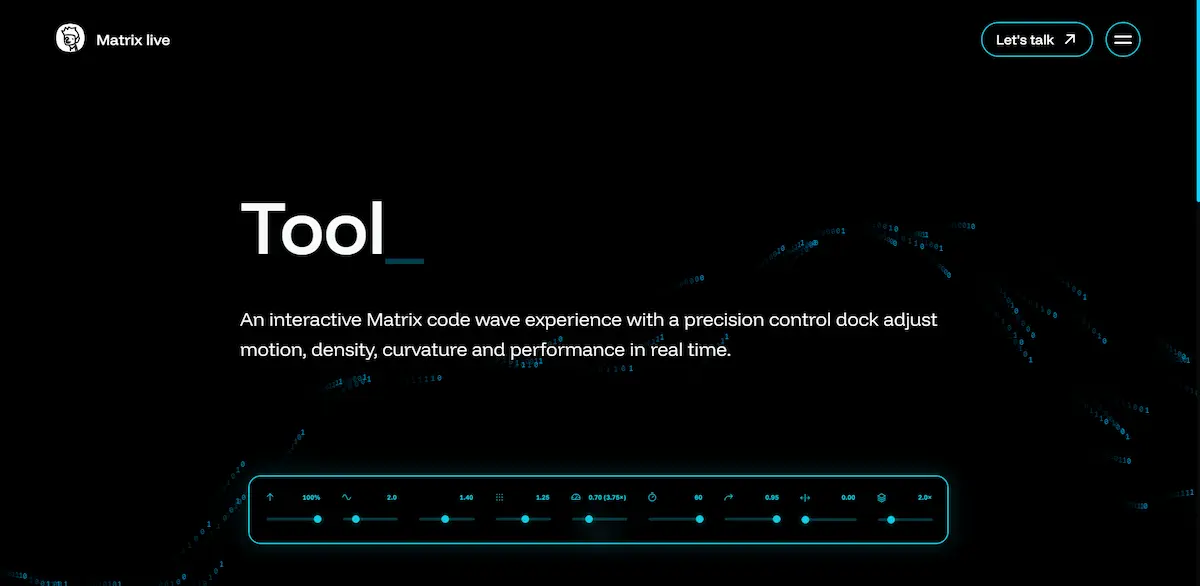
The integrated control dock provides detailed manipulation of motion vectors, particle spacing, curvature intensity, and rendering speed. Each parameter influences the digital wave in real time, turning the scene into a responsive visual laboratory.